
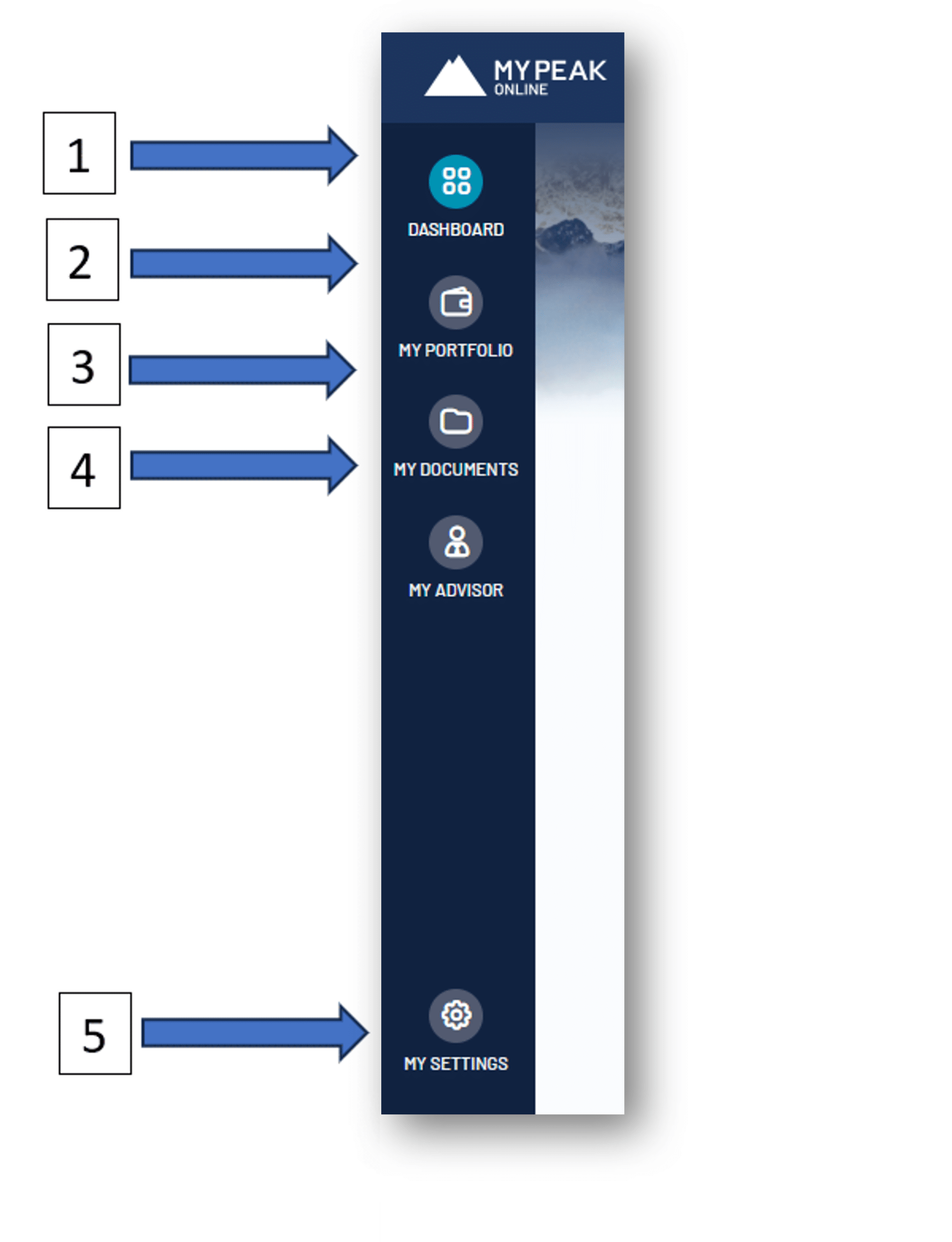
The menu for your portal is located on the left, where you will see the different portal tabs:
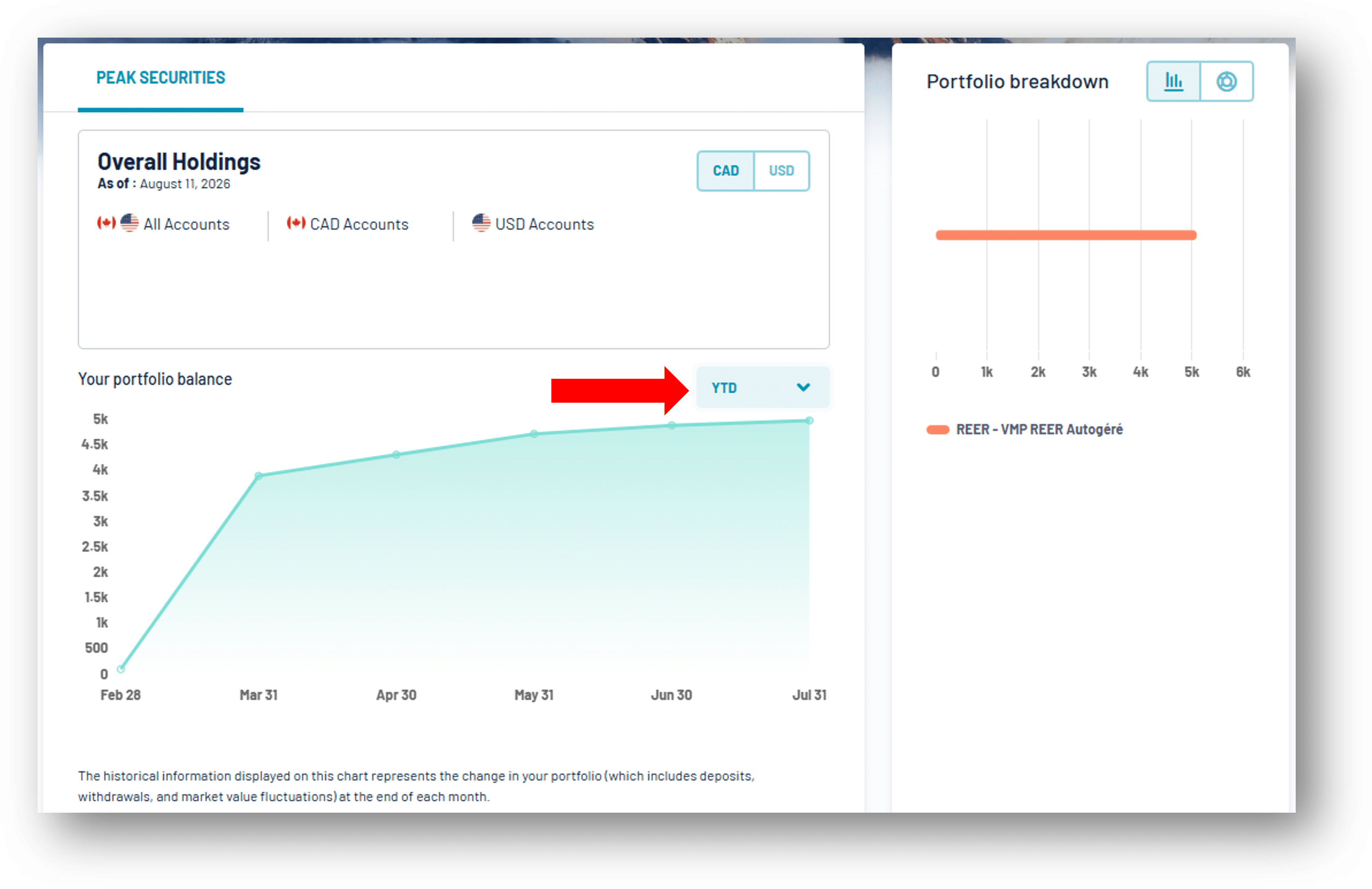
You will see your total assets, the allocation of your portfolio across your different accounts, and your portfolio performance. You can change the time period displayed for your portfolio performance :
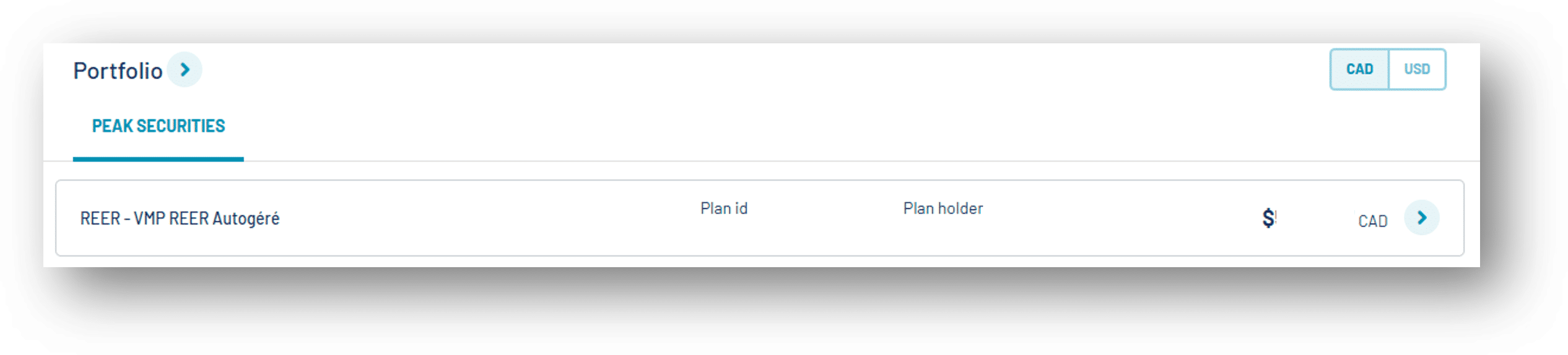
If you scroll down, you will see each of the accounts in your portfolio. You can click on any of these accounts for more details, and you will be redirected to the “My Portfolio” tab :
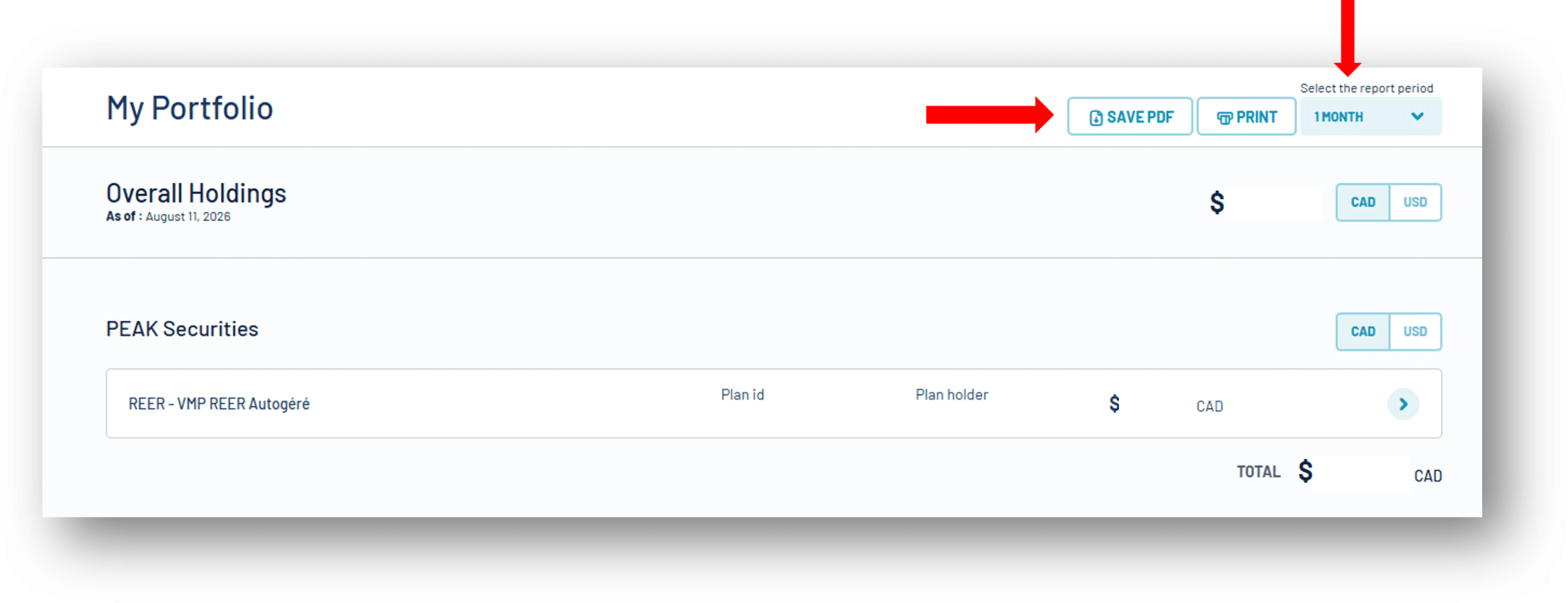
You will see the value of each of your accounts. You can click on any of your accounts to view more details. In the top right corner, you also have the option to save your portfolio statement for the last month, the last 3 months, 6 months, or 12 months :
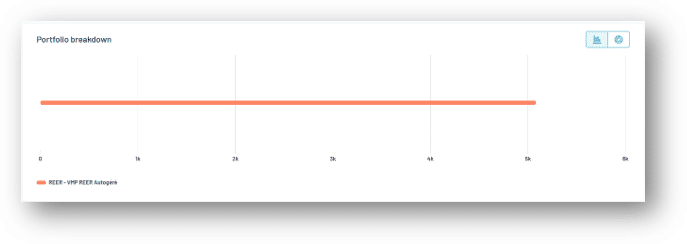
You will also see, at the bottom of the page, the allocation of your portfolio across your different accounts :
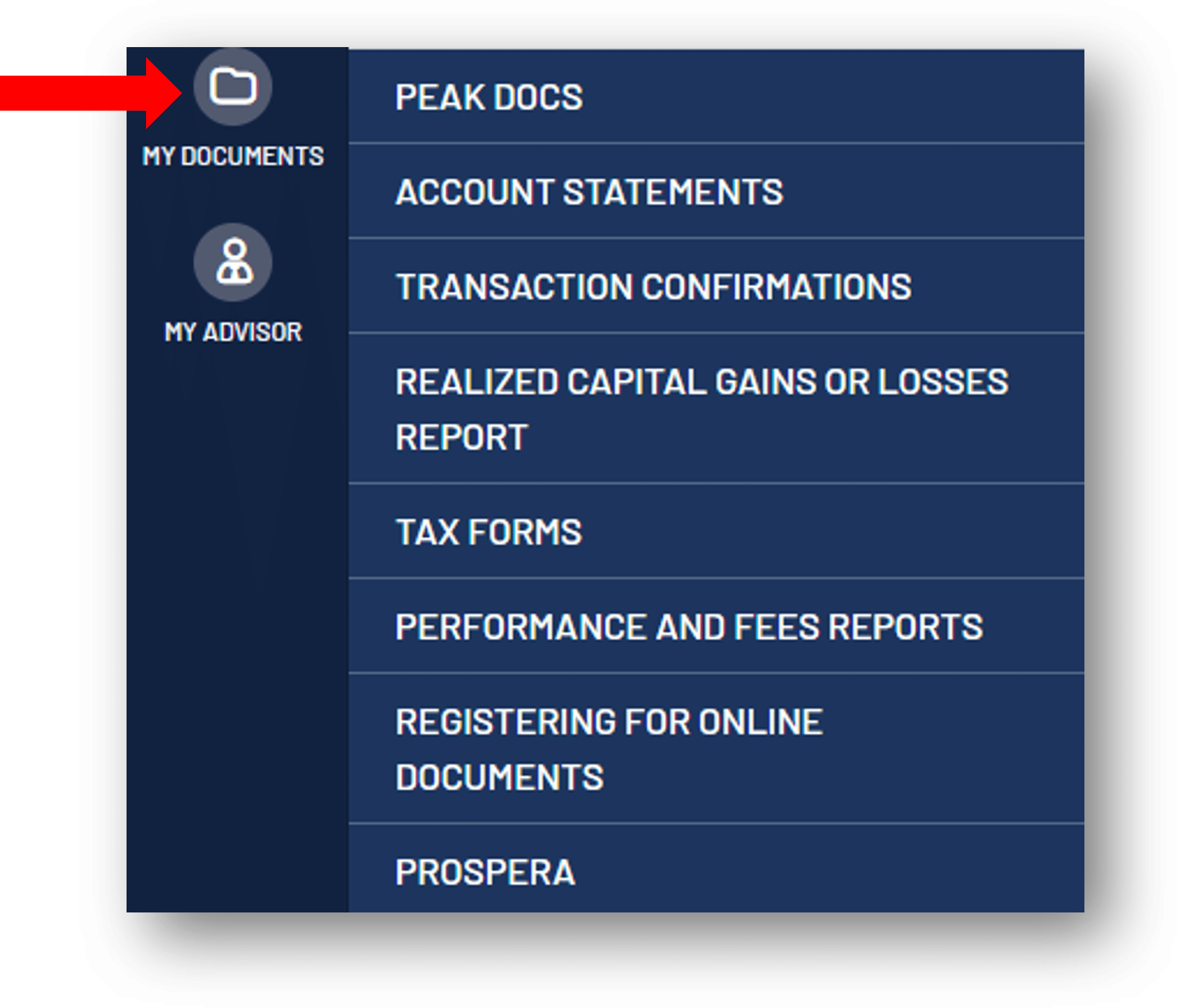
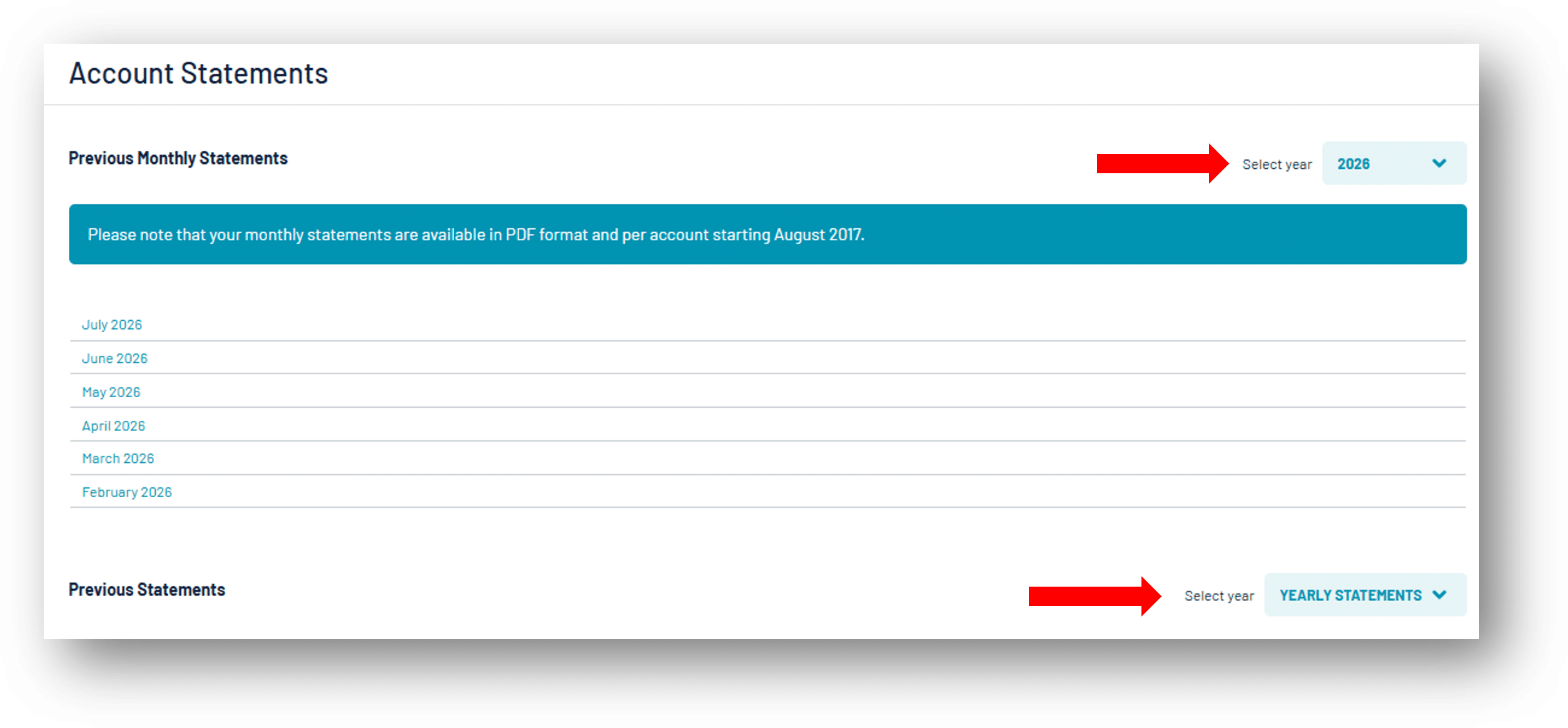
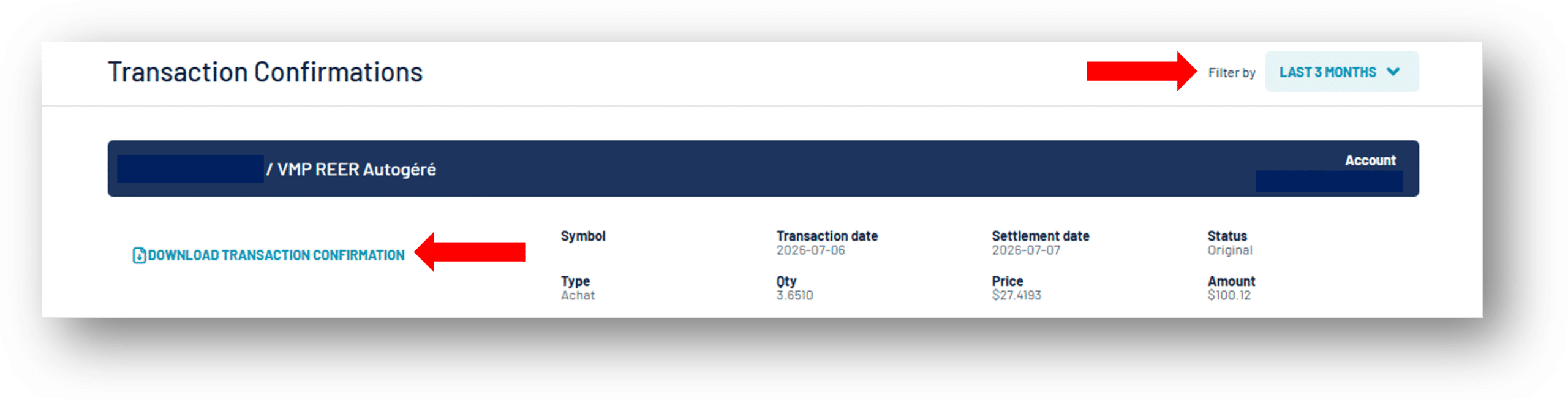
When you click “My Documents”, the following menu will appear :
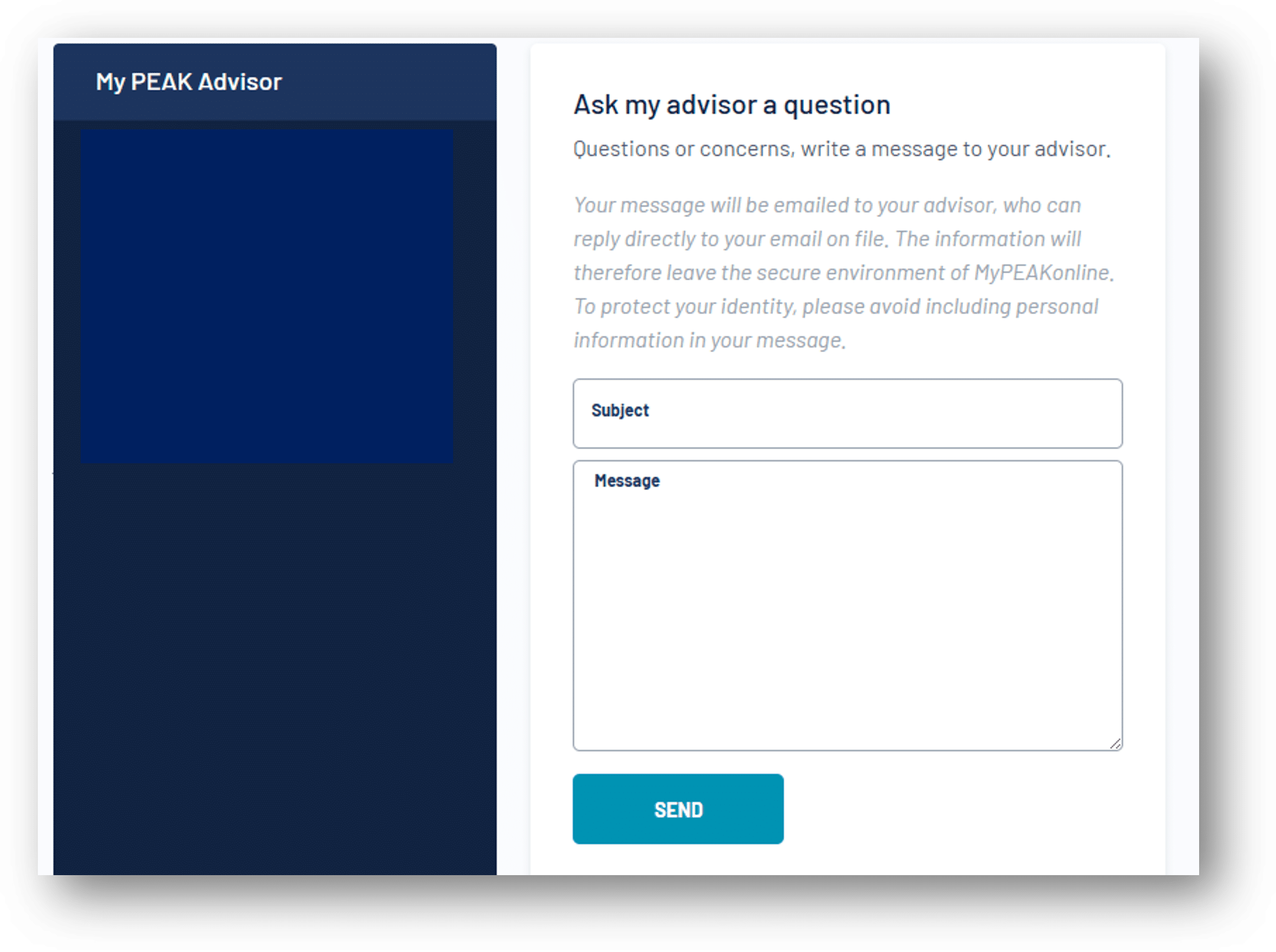
You can send a message to your advisor at any time :
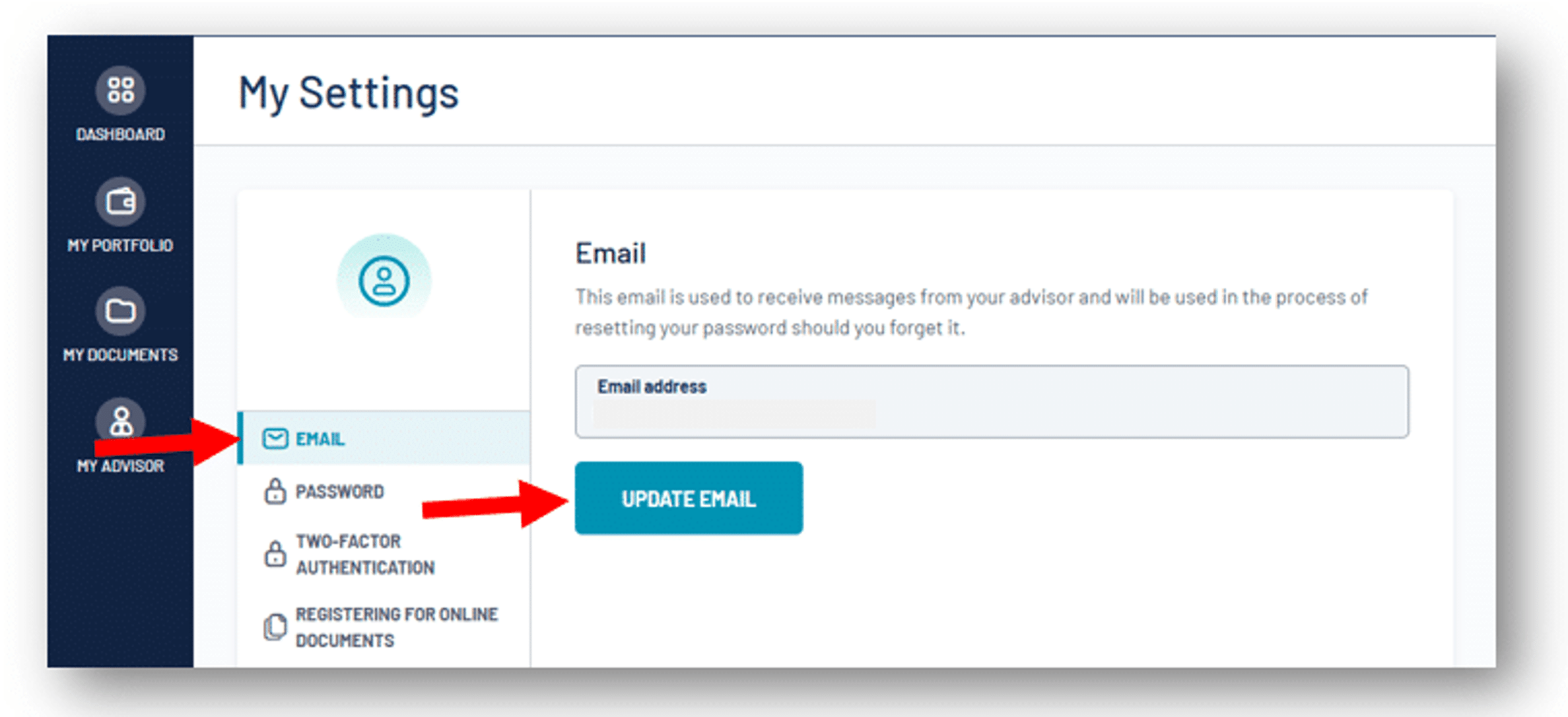
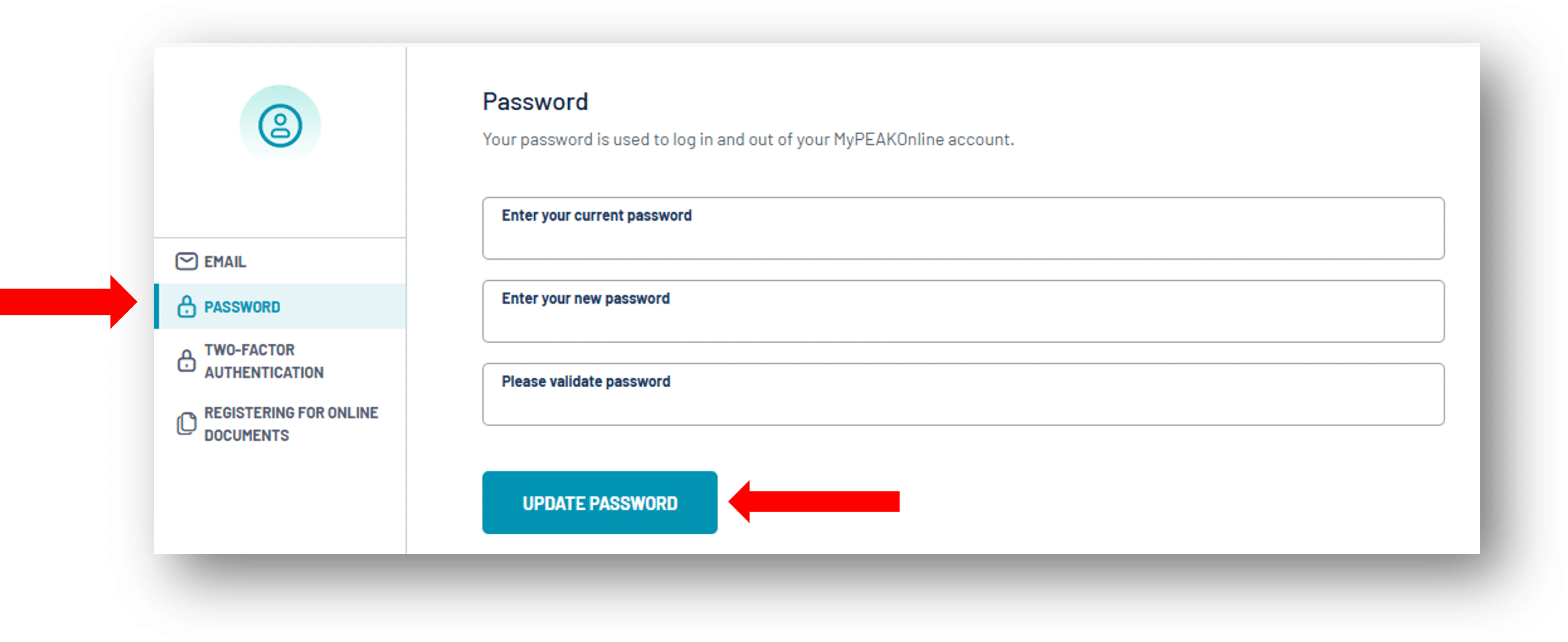
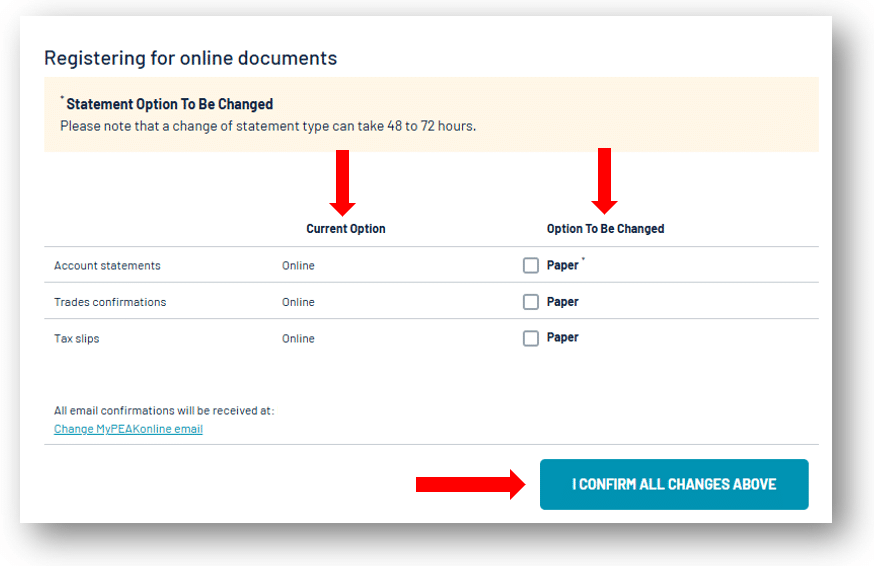
This is where you can update your email address, password, and electronic document delivery preferences :
Personal guidance.
Independent experts.
Results that speak for themselves.
 Transaction Confirmations
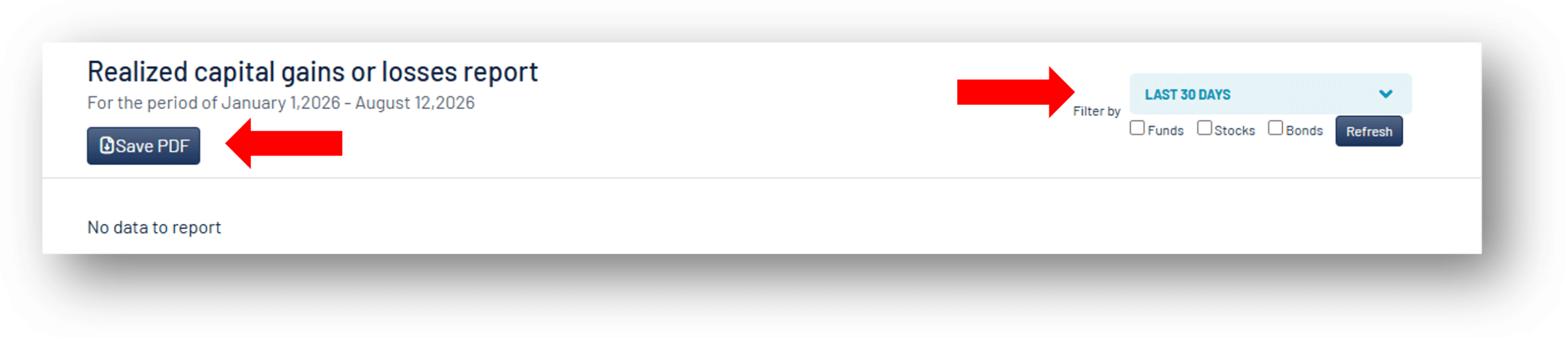
 Realized Capital Gains or Losses Report
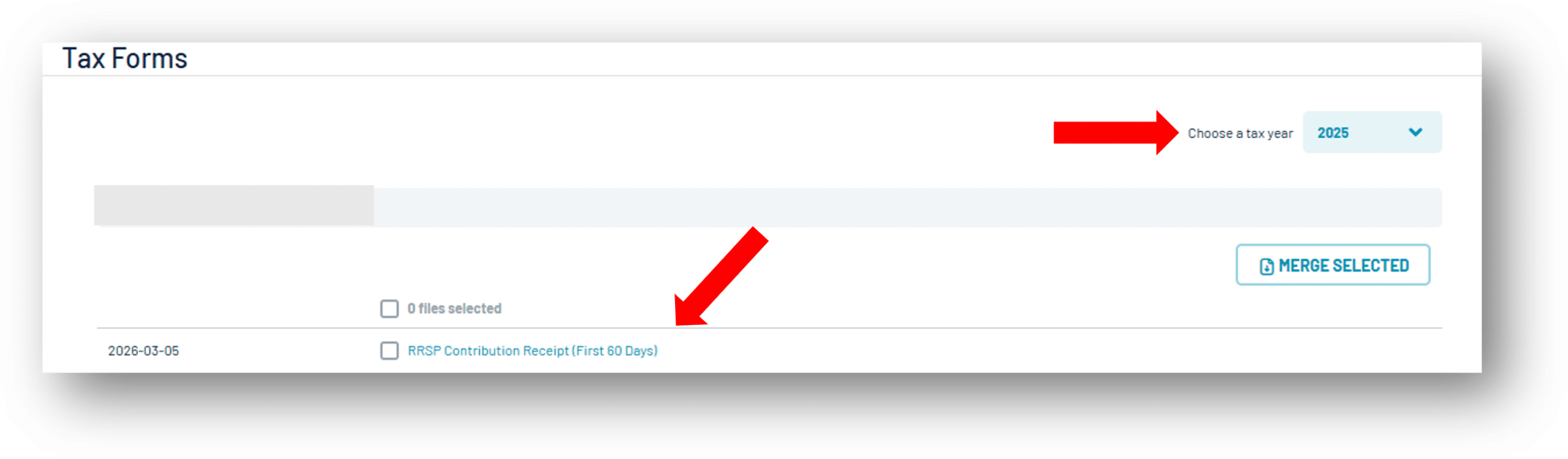
 Tax Forms
 Performance and Fees Reports
 Prospera